Field capture that stays tied to the job.
Use QR workflows, field forms, and asset tracking without breaking the link between field activity, customers, and jobs.
See how Scan connects to the platform.
Field activity feeds the same workflow and automation engine used across ControlAxis.
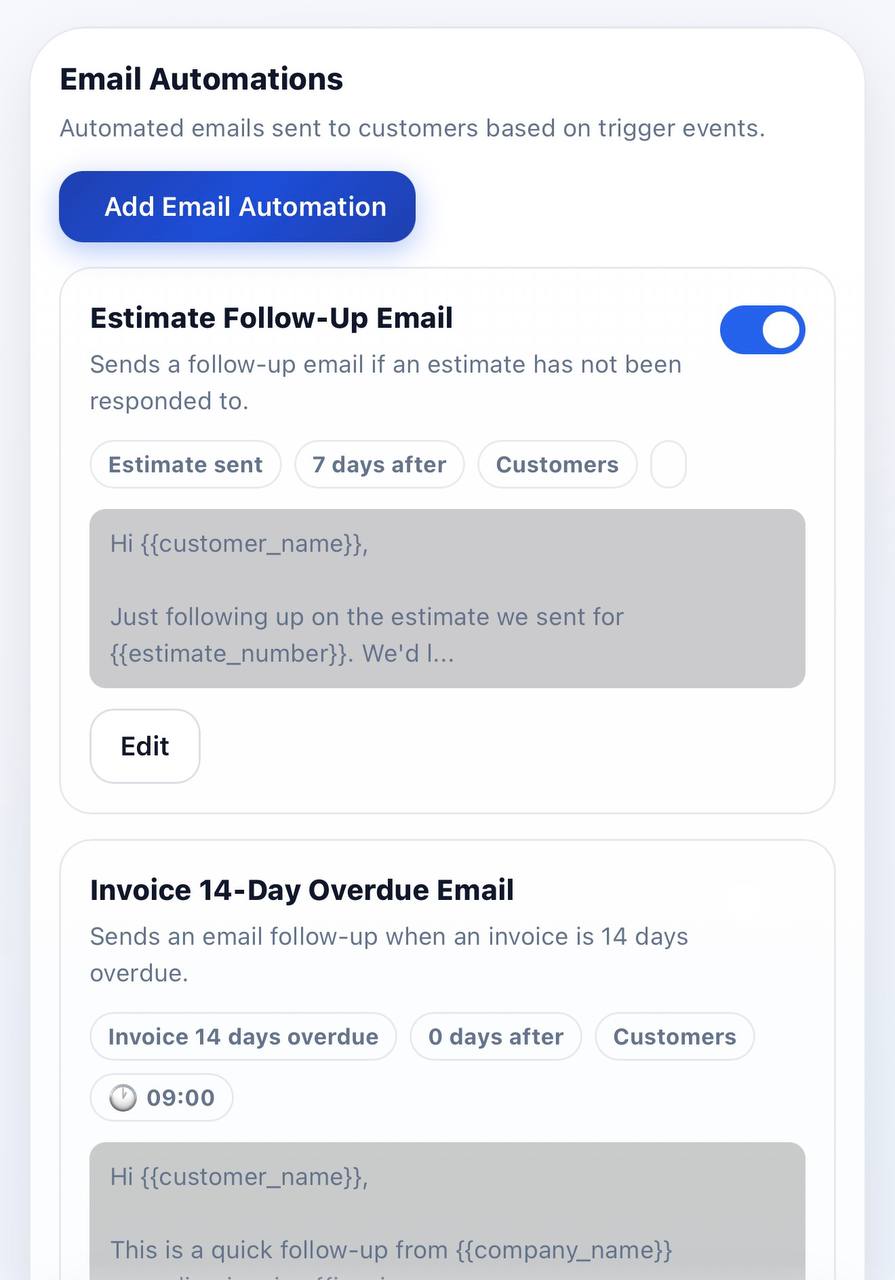
Why teams choose Scan.
Field proof
Capture completed work with scans, notes, and structured field actions.
Operational context
Keep field capture attached to the correct customer, job, or asset.
Asset movement
Track inventory and operational movement without losing the data trail.
Click through the scan workflow.
Field capture
Record field activity with scans, notes, and structured forms tied to the correct job.
- Clear proof of completed field work
- Fewer disconnected mobile tools
- Shared data across office and field
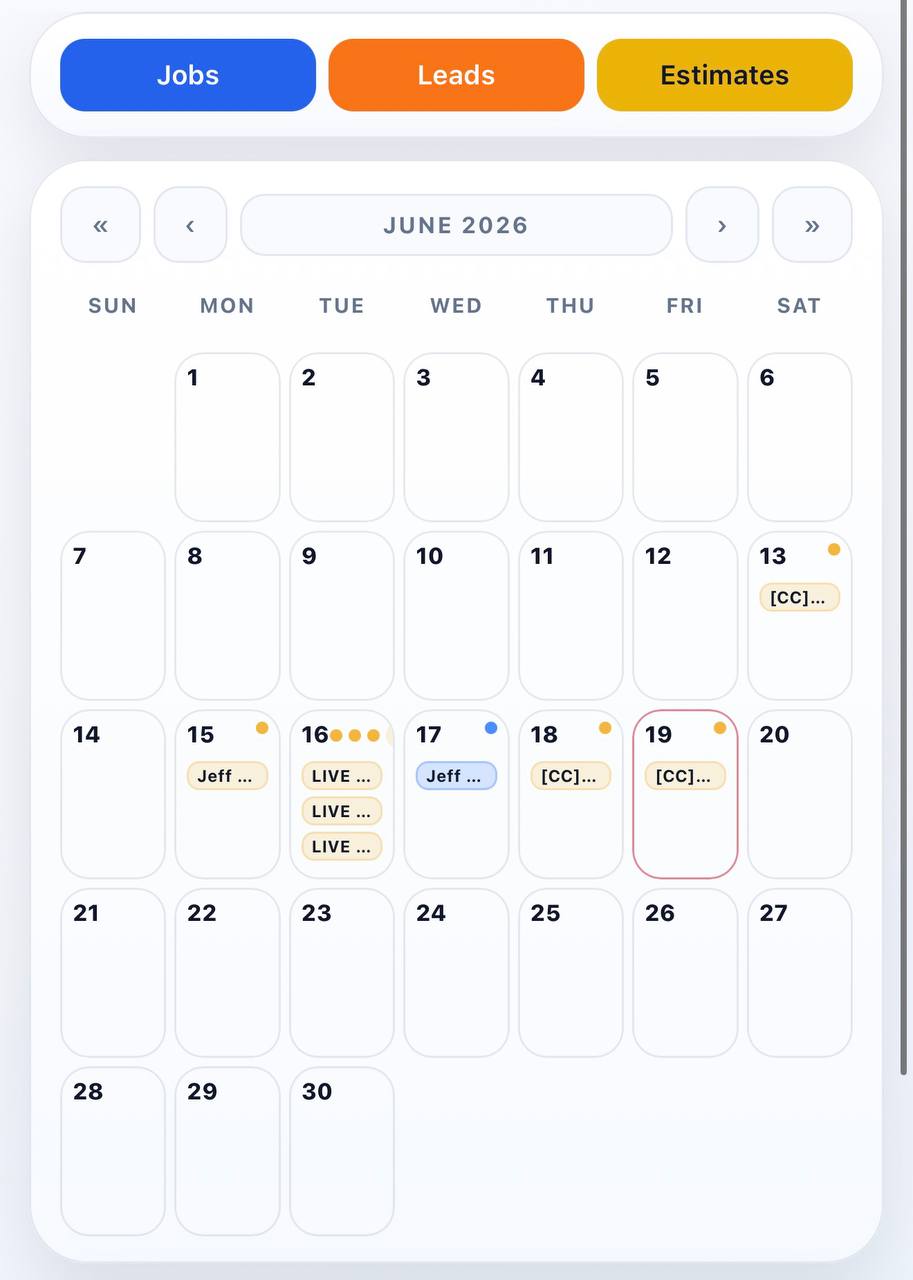
Asset tracking
Track parts, tools, and operational movement without losing the context around each job.
- Job-linked asset history
- Cleaner internal accountability
- Faster field-to-office updates
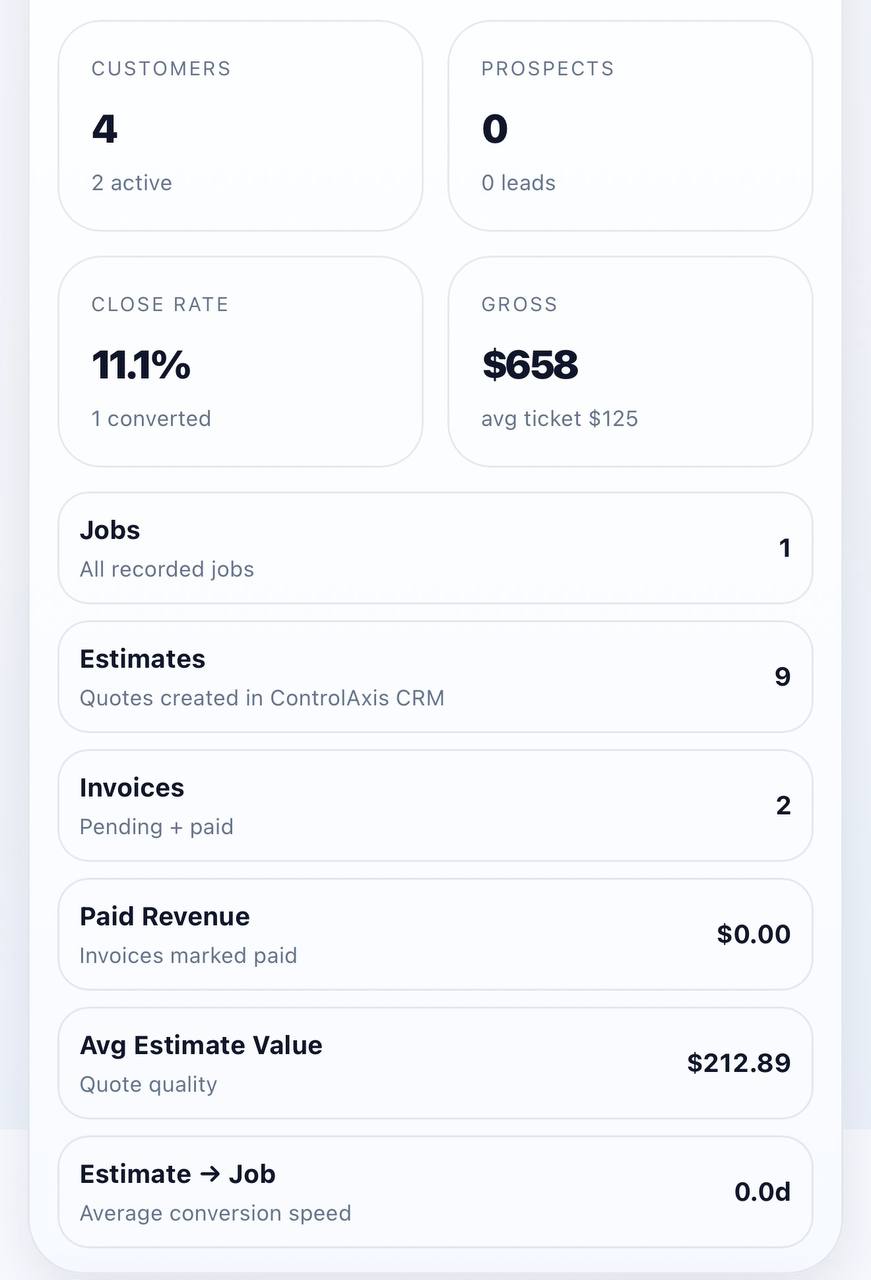
Workflow connection
Use scan events as part of the wider customer and job workflow, not as a disconnected tool.
- Shared operational visibility
- Better field and office coordination
- Clearer next-step workflow
See Scan inside the full workflow.
Book a walkthrough of field capture, QR workflow, and connected operational tracking.